Need it today? We can save you with our SOS service! Click for more details Click here for same day SOS Service
UK FlagTHE UK'S LEADING SAME DAY PRINTER!

Mesh Banner Printing | Outdoor Mesh Banners | Cheapestprintonline

Mesh Banners


Our mesh banners are printed in vibrant full colour on durable 400gsm mesh material, making them ideal for outdoor use where wind resistance is essential. The perforated mesh design allows air to pass through, reducing strain on fixings and structures.

Mesh banners are commonly used on scaffolding, fences, railings, building wraps, construction sites, sporting events, festivals and promotional displays. They are lightweight, strong and weather-resistant, making them suitable for both short-term promotions and longer-term outdoor advertising.

Available in a wide range of custom sizes with fast turnaround options and free UK delivery, mesh banners provide a practical, professional and cost-effective solution for high-impact outdoor advertising.


Choose your quantity and delivery date

QTY STANDARD

Wednesday 16th September

EXPRESS

Monday 14th September

FAST TRACK

Friday 11th September


Mesh Banners


Wind-Resistant Banners for Outdoor Display

Mesh banners are specifically designed for outdoor environments where wind exposure is a concern. The perforated mesh structure allows air to flow through the banner, reducing wind resistance while maintaining strong visual impact.

Printed on durable 400gsm mesh material, these banners are suitable for large-scale outdoor displays such as scaffolding wraps, fence banners and building signage. They are frequently used on construction sites, at sporting venues, festivals and outdoor events.

With full-colour printing and custom sizing options, mesh banners offer an effective way to deliver bold messaging in challenging outdoor conditions.

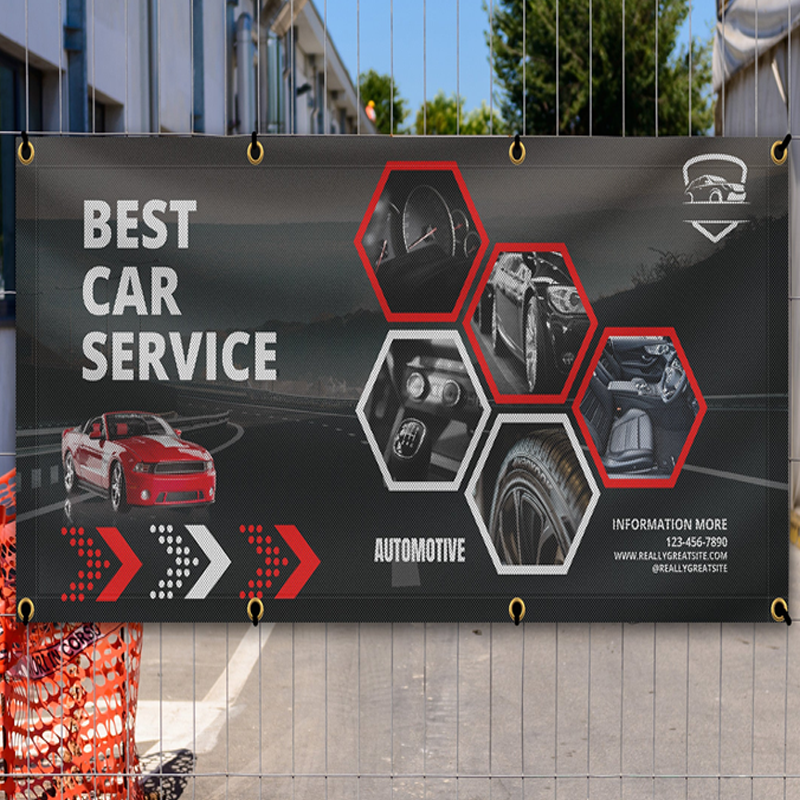
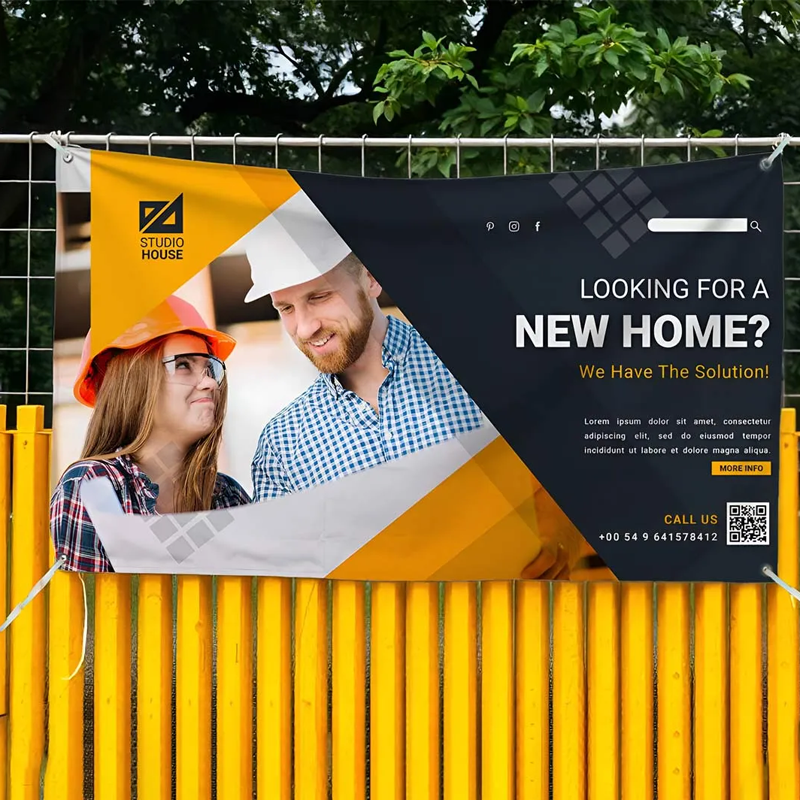
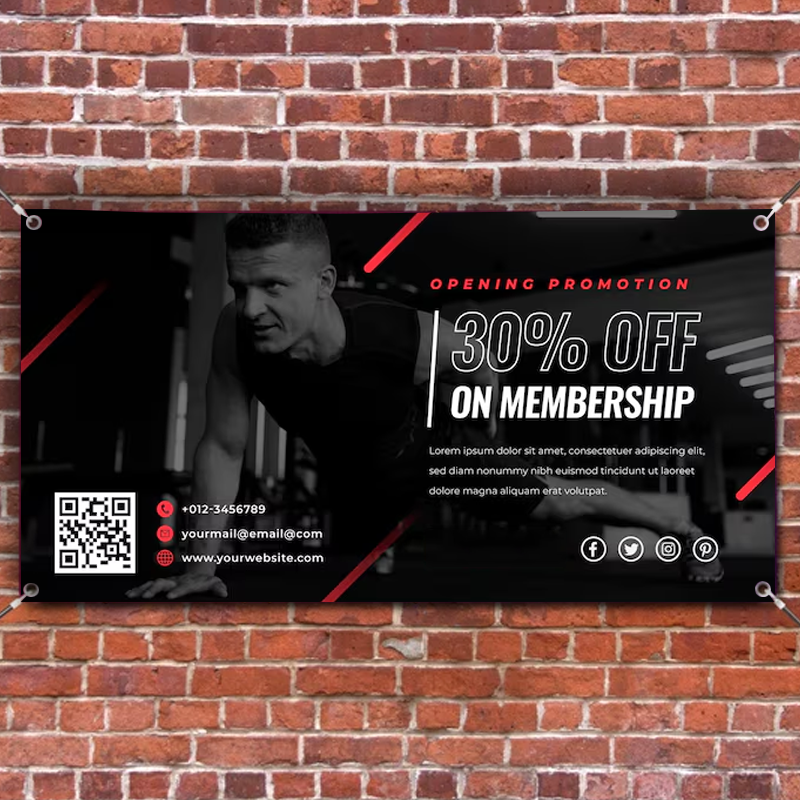
Mesh banner printed in full colour on 400gsm perforated mesh material

Frequently Asked Questions


What are mesh banners?

Mesh banners are printed on perforated PVC material that allows wind to pass through, making them ideal for outdoor use.

Are mesh banners suitable for windy locations?

Yes. The mesh material is specifically designed to reduce wind resistance, making it suitable for scaffolding, fencing and exposed areas.

What material are mesh banners printed on?

Mesh banners are printed on durable 400gsm mesh material that is lightweight, weather-resistant and strong.

What are mesh banners commonly used for?

They are commonly used on construction sites, scaffolding, fences, railings, sporting events and outdoor promotions.

Do mesh banners include free delivery?

Yes. All mesh banner orders include free UK delivery.

Close-up of mesh banner material showing perforated wind-resistant structure

Delivery Options


Standard Turnaround
Our standard turnaround is based on 5 working days, with artwork approval required by 12:00pm.

Express Turnaround
Approve your artwork by 12:00pm and receive your prints within 3 working days.

Fast Track Turnaround
Approve by 12:00pm to receive your prints the next working day.

SOS Service
For next-day delivery when you miss the cutoff, contact us for a quote.

Delivery

Templates

Click to download your template or design your own artwork using Canva:

Our Templates
Our templates are pre-sized with guides for trim and safe areas. Delete the template after designing.

Templates

Artwork Guide

Whether you’re new to print design or just want to double-check you’re doing things correctly, this guide outlines the key considerations when supplying artwork — helping you avoid delays or unexpected results.

Creating your artwork

Start by creating a new document using your preferred design software or online design tool. This can be anything from a simple browser-based editor to professional design software.

  • • Online tools: Canva and similar browser-based designers
  • • Adobe Creative Suite: Photoshop, Illustrator, InDesign
  • • CorelDRAW: Bitmap and vector design support
  • • Microsoft Office: Word, Publisher or PowerPoint
  • • Other software: Any tool that can export a high-quality PDF
  1. • Set your document to the correct finished size.
  2. • Keep important text and logos inside a safe area.
  3. • Add images, text and colours to build your design.
  4. • Export your final artwork as a PDF.

Print & colour guidelines

  • • Keep text and important elements at least 3mm from the edge
  • • Extend background colours and images fully to the edge of the page
  • • Avoid borders where possible — trimming tolerances can make them appear uneven
  • • Use images at 300 DPI for sharp, professional print quality
  • • Supply artwork as single-page PDFs

Colours on screen often appear brighter than in print because screens use RGB colour made from LED light, while printing uses CMYK inks applied to paper. This difference means some colour variation is normal when moving from screen to print.

Our proofing system automatically converts your artwork to CMYK and shows you exactly how it will print before approval.

For solid black areas, we recommend using a rich black mix:
C 60% / M 60% / Y 0% / K 100%

Before you approve

  • • Check spelling, grammar, prices and dates
  • • Review yellow tones carefully after upload
  • • Ensure no important content sits close to the edge
  • • Only approve when you’re completely happy

Uploading your artwork

After placing your order and completing payment, you’ll be taken to our file upload page. This is where you upload, preview and approve your artwork before it goes to print.

Step 1 – Choose your product

Select the product you’ve ordered. If your order contains multiple items, start with the first product listed.

Step 2 – Design service (if purchased)

If you’ve paid for our professional design service, select this option to complete a short design brief. A proof will be emailed to you within 3–4 working days.

Step 3 – Upload your file

Choose the correct size and orientation, then upload your artwork file. For double-sided products, upload each side separately — or upload a two-page PDF containing both sides.

Step 4 – Preview and adjust

You’ll see a live preview of your artwork. Your design should reach the black edge line. If needed, use the crop and resize tools to make your artwork fill the page.

Step 5 – Final check and approval

Carefully review the final preview — what you see on screen is exactly what will be printed. Enter your invoice number and product code, then click Approve & Print.

Once approved, your file enters our automated production workflow and no changes can be made.

Need more help?


Responsive Design  
FREE delivery

Order within HR MIN SECS and get your order by Friday 11th September